Project category
Tile and Flooring Calculators
Estimate how many tiles you need for a floor, wall, backsplash, or shower, plus deck mud mortar bed quantity for a dry-pack base. Enter a known square footage or the room length and width, set your tile size and waste factor, and the tile calculator converts the area into a piece count you can match to boxes. Larger tiles mean fewer pieces but more cuts at the edges, so the waste factor matters most in small or irregular rooms.
Tools
Flooring & Tile calculators
Open a calculator to adjust dimensions, material size, waste factor, assumptions, and optional user-entered unit price.
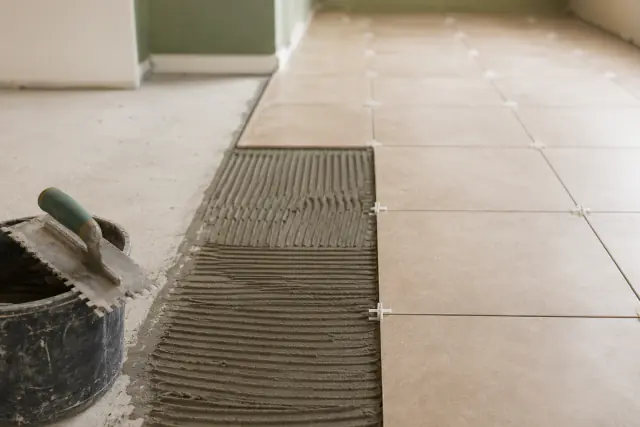 Flooring & Tile Tile Calculator
 Estimate tiles needed for a floor or wall area, with tile size, waste factor, a layout pattern preview, and an optional user-entered tile cost.
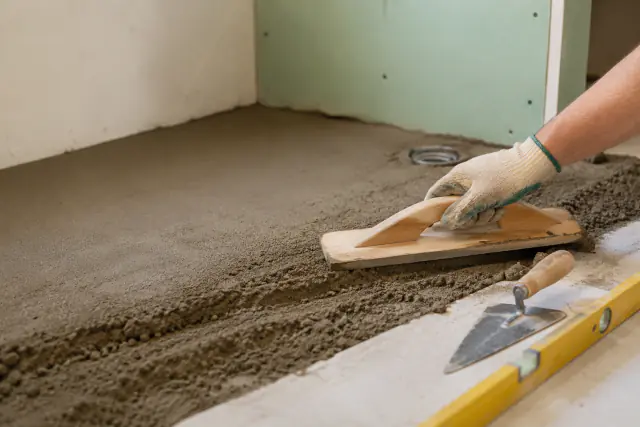 Flooring & Tile Deck Mud Calculator
 Calculate deck mud for shower pans, pre-slope layers, floor mud, and flat mortar beds from dimensions or a known flat-bed area, with bag count, mix split, and waste.
Worked examples
Use these scenario pages when your project is close to a common size, then edit the embedded calculator inputs.
Planning tools and resources
Use these planners, charts, and worksheets for a focused material check alongside the main calculators.
When to use these tools
- Estimate tile quantity for a floor, backsplash, shower wall, or small room.
- Convert room dimensions into a waste-adjusted tile count.
- Estimate deck mud or dry-pack mortar volume for a tile preparation area.
- Check how tile size changes the number of pieces needed.
- Plan a layout for large-format tile such as 12 x 24 in., where cuts and lippage drive extra waste.
- Work out how many boxes to buy when tile is sold by box coverage rather than by the piece.
- Compare floor tile and backsplash tile estimates for the same kitchen or bathroom remodel.
Common inputs
- Known area in square feet or room length and width.
- Tile width and height in inches.
- Mortar bed thickness, mix yield, waste factor, and optional tiles per box.
- Waste factor, typically 10% for straight layouts and 15 to 20% for diagonal or herringbone patterns.
FAQ
Do tile calculators include grout or mortar?
The tile calculator estimates tile quantity only. The deck mud calculator estimates mortar bed volume separately. Grout, trim, spacers, waterproofing, and underlayment are still separate materials.
Is the deck mud calculator installation guidance?
No. It estimates dry-pack mortar quantity only. Follow product instructions and qualified professional guidance for wet-area or safety-critical work.
What if tile is sold by the box?
Use the tile count first, then divide by the tiles per box or box coverage printed on the package and round up. Buy full boxes from the same dye lot so future replacements still match.
How much waste should I add for tile?
A common rule is about 10% extra for a straight grid layout in a simple rectangular room, and 15 to 20% for diagonal, herringbone, or rooms with many cuts, niches, and corners. It is easier to buy enough at the start than to match a dye lot later.
Do larger tiles need fewer pieces?
Yes. A 12 x 24 in. tile covers four times the area of a 12 x 6 in. tile, so the piece count drops. Large-format tile usually creates more cut waste at the walls and a higher chance of breakage, so keep the waste factor toward the higher end.
How do I estimate tile for a backsplash or shower wall?
Use the wall area instead of the floor area: multiply each wall's width by its height, add the surfaces together, then enter that square footage with your tile size. Subtract large openings such as a window only when they remove a meaningful share of the area.
Should I measure by square feet or by room dimensions?
Either works. If you already know the finished area in square feet, enter it directly. If you only have the room length and width, enter those and the calculator computes the area before applying the waste factor.